CRM
Segments
Segments: named, rule-capable groups of organizations, listed with their rule match and recompute state.
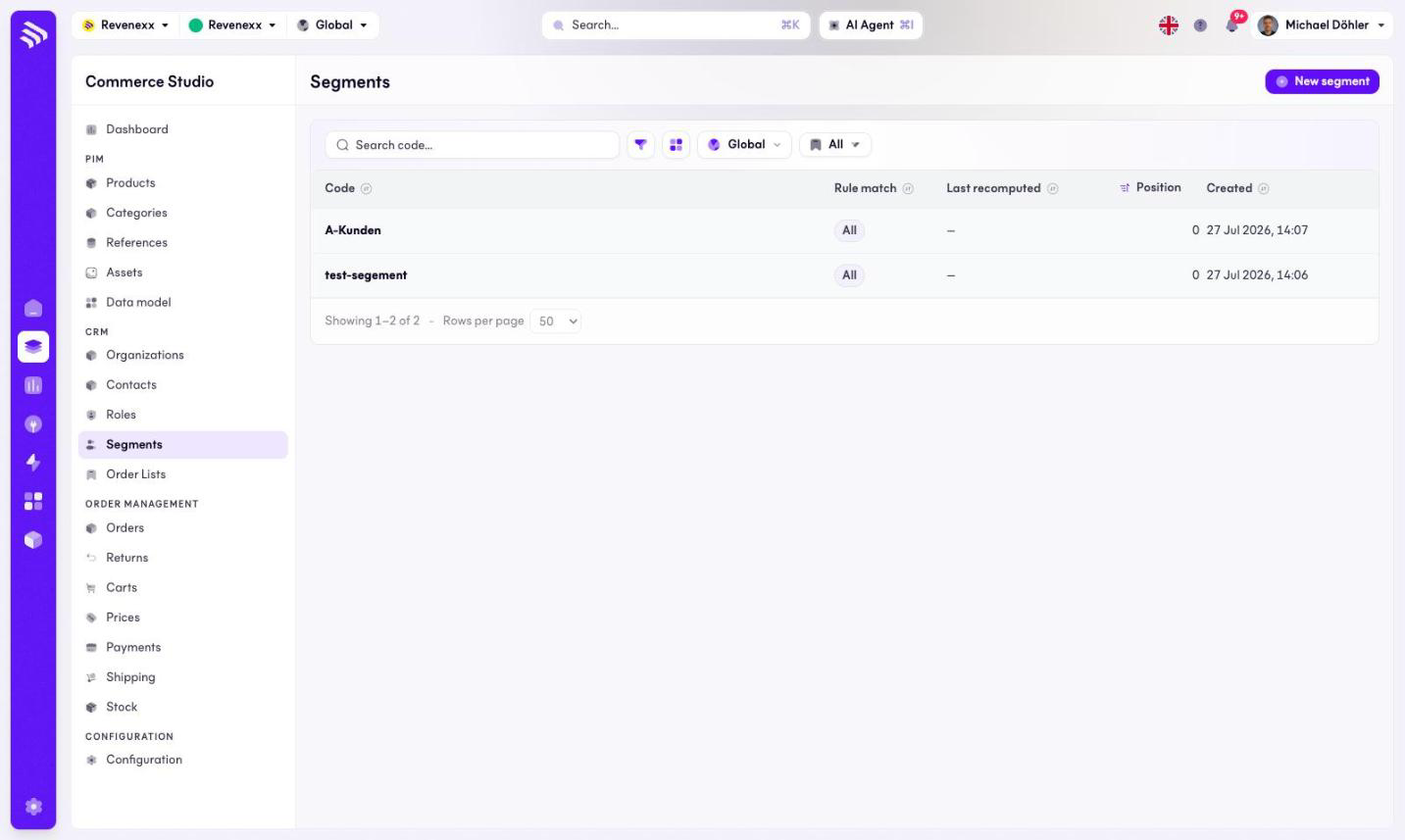
A segment is a named group of organizations — A-customers, a region, a campaign target. A segment can collect its members by rule, and this list shows each segment with its rule state.
Where you find it
Commerce Studio › CRM › Segments — /commerce/segments
What it does
The table lists the segments. New segment creates one; a code search, a filter toggle, a column picker, a market selector and saved views round out the toolbar. This screen has no KPI cards.
The rows are not clickable yet: opening a segment, editing it, seeing its
members or recomputing its rules is not available in the Cockpit at the
moment. Segments and their memberships are maintained through the customers
app's API.
Fields and controls
| Column | What it shows |
|---|---|
| Code | The stable identifier, for example a-kunden. |
| Rule match | How the rules combine. |
| Last recomputed | When the rule memberships were last refreshed. |
| Position | Sort position. |
| Created | Creation date. |
What happens when you change it
New segment creates the segment record. Members — hand-picked or filed by rule — are managed over the API until the detail ships.
Permissions
The customers app declares create, read, update and delete on segments and segment members in its manifest. Which Cockpit roles may open this screen is not verified.
Related
- Guide: Segments
- Organizations