Order lists
Order lists are the saved shopping lists of your buyers: a set of positions a person keeps and reorders from — the monthly consumables, the standard kit for a machine. A list turns into a cart or an order in one action.
Where you find it
Commerce Studio › CRM › Order Lists — /commerce/orderlists/lists
What it does
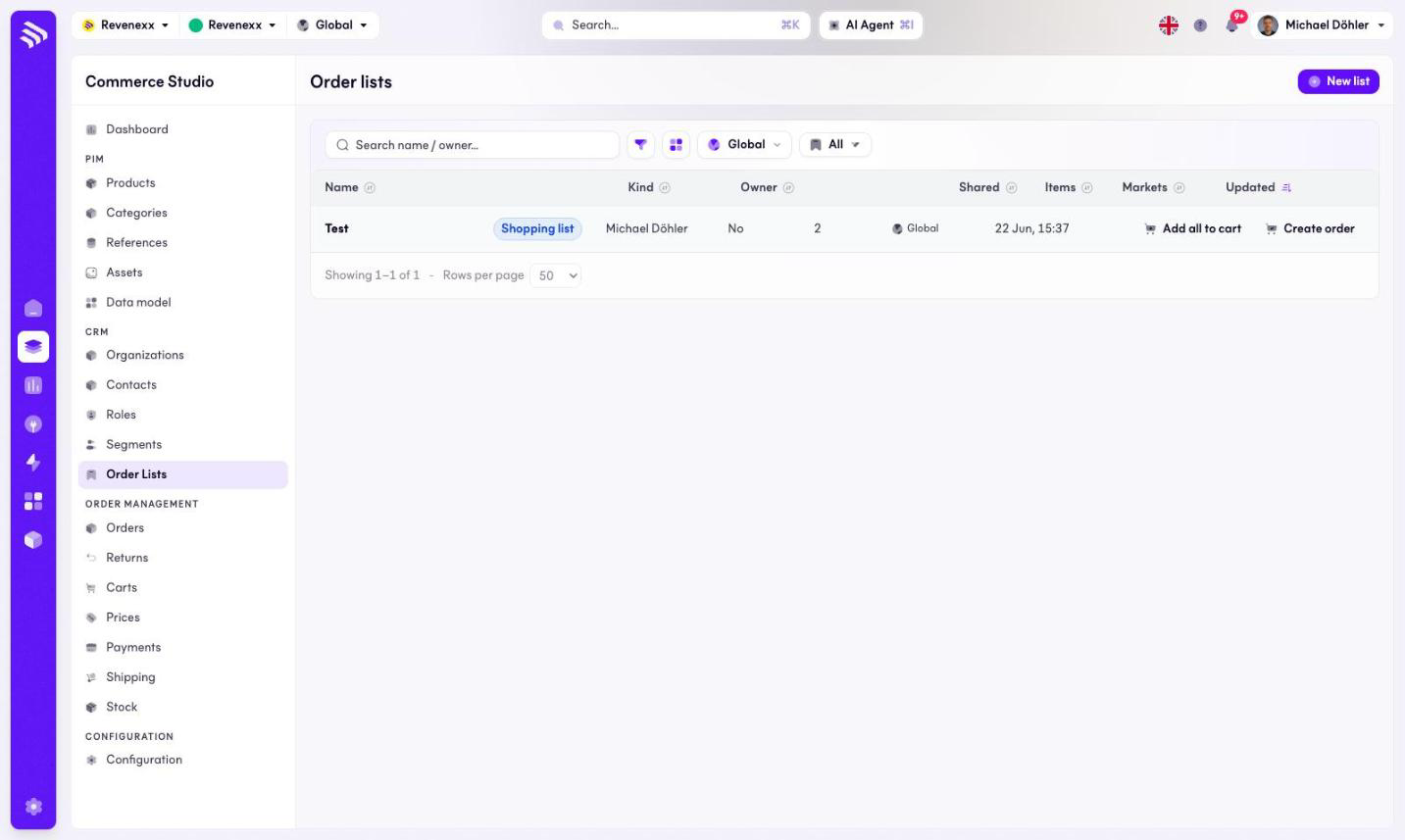
The table lists every order list on the tenant with its kind, owner and size. The name links to the order list detail. Two row actions run the conversion without opening the detail: Add all to cart and Create order.
Fields and controls
| Column | What it shows |
|---|---|
| Name | The list name. Links to the detail. |
| Kind | The list kind, for example Shopping list. |
| Owner | The contact who owns the list. |
| Shared | Whether the organization sees it. |
| Items | Position count. |
| Markets | Market assignment. |
| Updated | Last change. |
Toolbar: New list, a search box for name or owner, a filter toggle, a column picker, a market selector and saved views.
What happens when you change it
Add all to cart puts every position into a cart; Create order turns the list into an order directly. The list itself stays as it is — it is a template, not a document.
Permissions
The orderlists app declares create, read, update and delete on lists and their items in its manifest. Which Cockpit roles may open this screen is not verified.