API & SDK
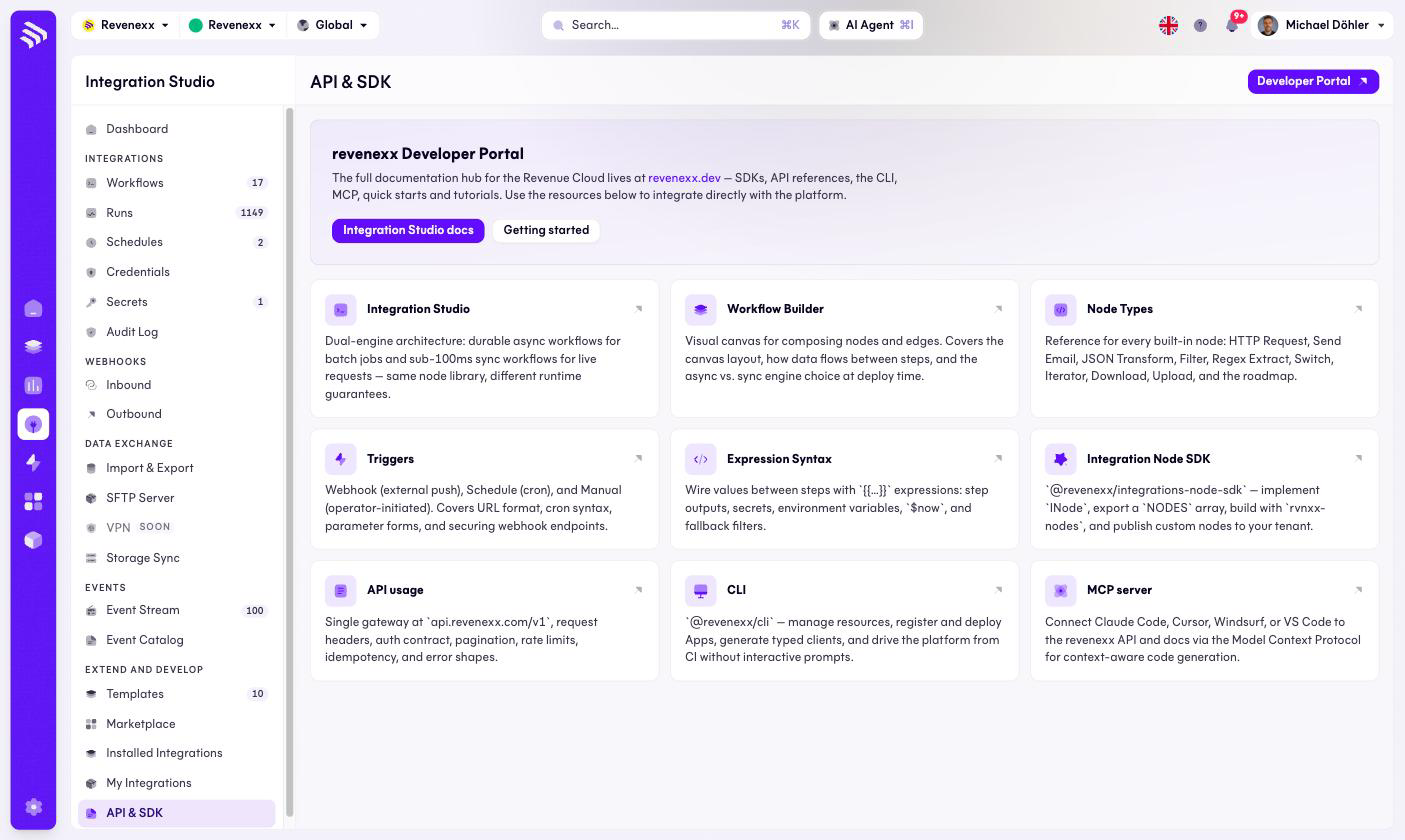
The developer hub of Integration Studio. No tenant data — a set of links into the documentation for the people who script against the platform instead of clicking in it.
Where you find it
Integration Studio › Extend and Develop › API & SDK —
/integrations/api.
What it does
A Developer Portal button links to revenexx.dev, next to the Integration
Studio docs and a getting-started entry. Nine documentation cards cover the
Integration Studio itself, the Workflow Builder, node types, triggers, the
{{…}} expression syntax, the Integration Node SDK
(@revenexx/integrations-node-sdk), API usage, the CLI (@revenexx/cli) and
the MCP server that lets AI coding tools work with the platform.
One architectural fact from the cards worth knowing when you plan: the
workflow engine runs two execution modes — durable asynchronous runs and a
fast synchronous path — which is the SYNC/ASYNC mode you see on the
workflow list.
What happens when you change it
Nothing to change — the screen is documentation.
Permissions
Not applicable.