Extend and develop
Installed Integrations
The connector packages on your tenant: vendor, type and node prefix.
What is actually installed: every connector package on your tenant, with its version state. When a node type in the editor behaves oddly after an update, this is where you check what changed.
Where you find it
Integration Studio › Extend and Develop › Installed Integrations —
/integrations/installed-integrations.
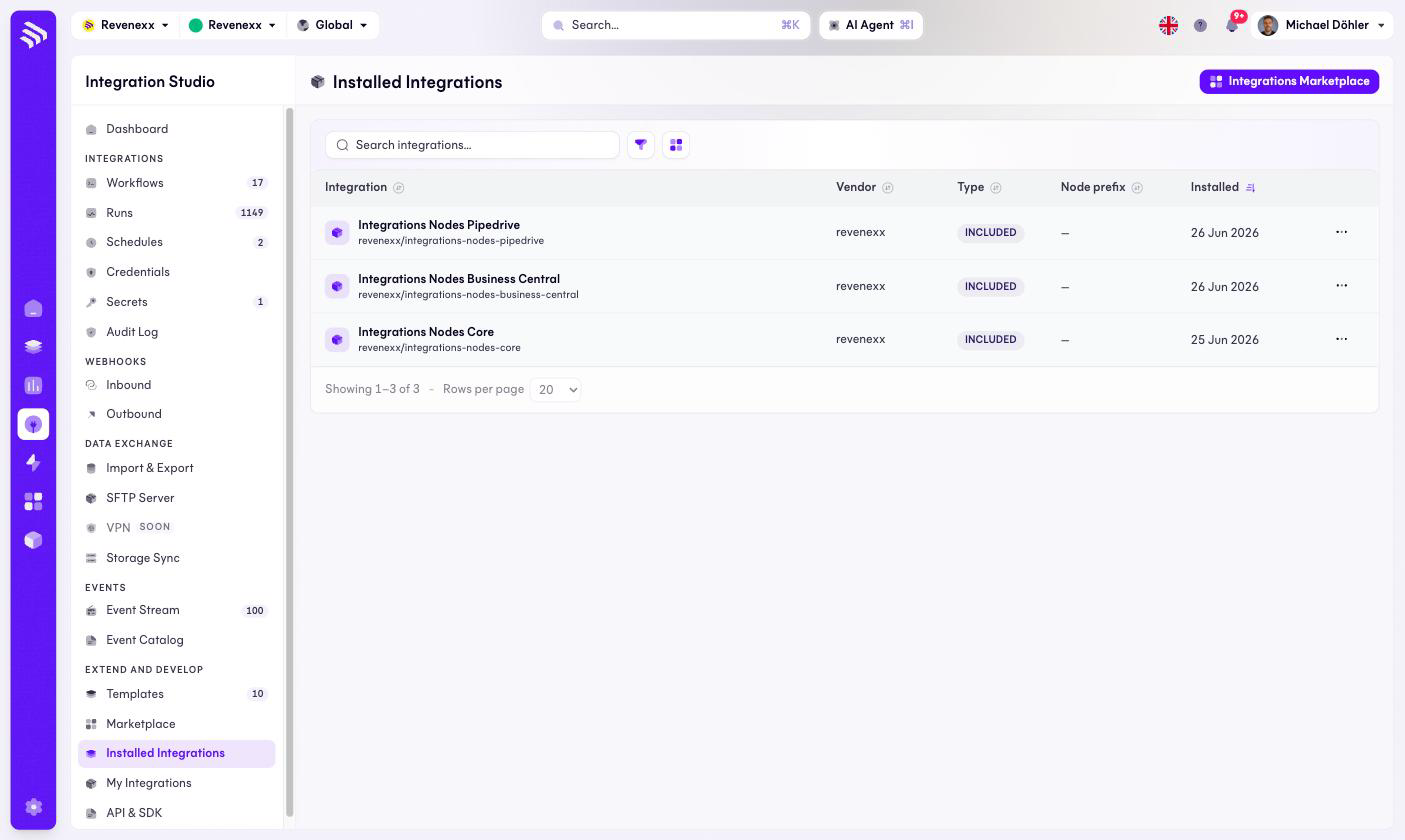
Fields and controls
| Column | What it shows |
|---|---|
| Integration | Display name plus the package slug, for example revenexx/integrations-nodes-core. |
| Vendor | Who publishes the package. |
| Type | INCLUDED for packages that ship with the platform. |
| Node prefix | The prefix the package's nodes carry, where set. |
| Installed | When it was installed. |
The Integrations Marketplace button navigates to the marketplace; each row has a … menu.
What happens when you change it
Uninstalling a package removes its node categories from the editor — a workflow still using those nodes will not survive that. Check the workflow list for dependents before removing anything.
Permissions
Not verified.