Workflows
Audit Log
Who or what did what in Integration Studio, with timestamps to the second.
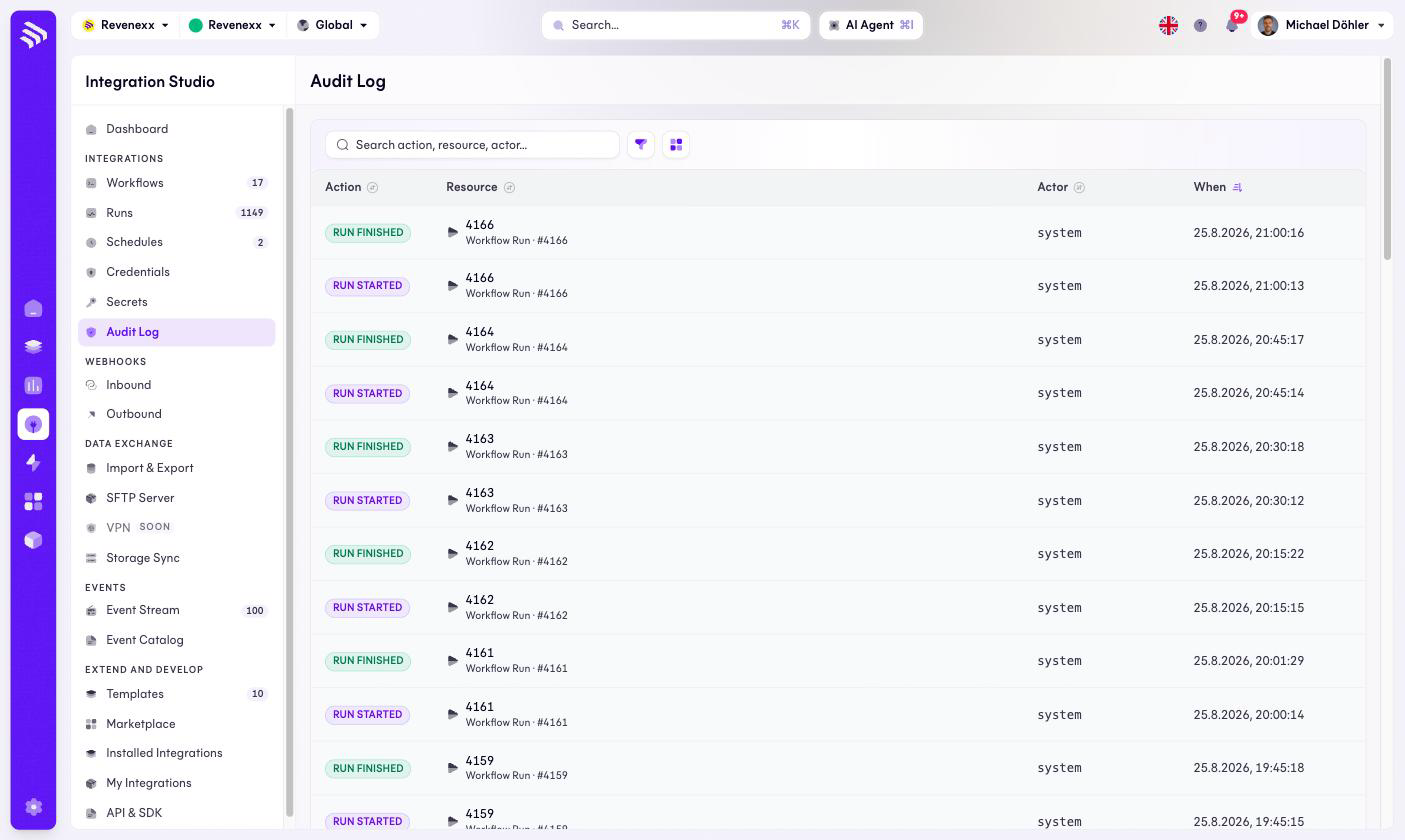
The trail of what happened in Integration Studio — run lifecycles today, with the actor and the exact time. When the question is "who started this at 21:00 on a Friday", this is the screen.
Where you find it
Integration Studio › Integrations › Audit Log — /integrations/audit.
Fields and controls
| Column | What it shows |
|---|---|
| Action | A badge such as RUN STARTED or RUN FINISHED. |
| Resource | What was acted on — a workflow run, with its name and run number. |
| Actor | Who did it. Scheduled and platform-driven activity shows system. |
| When | The timestamp, to the second. |
Search covers action, resource and actor; a filter and the view switch narrow the list.
What happens when you change it
Nothing — the log is read-only. Entries arrive as the platform acts.
Permissions
Not verified.
Related
- Runs — the executions behind the
RUNentries.