Workflows
Secrets
Write-only values workflows reference by key. The UI never shows them again.
A secret is one value — an API key, a token — that workflows reference by its key name. You write it once; nobody reads it back, including you.
Where you find it
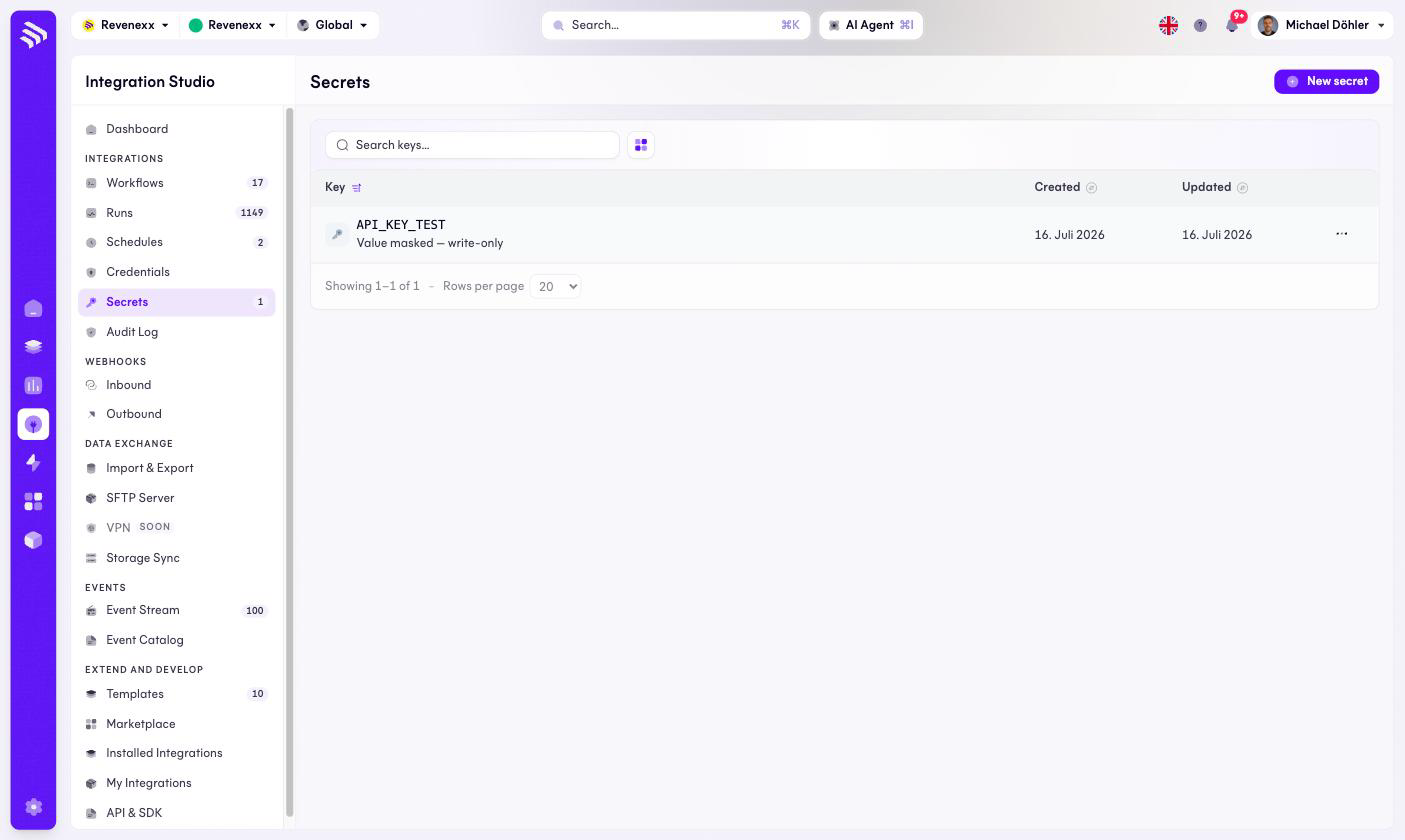
Integration Studio › Integrations › Secrets — /integrations/secrets.
Fields and controls
| Column | What it shows |
|---|---|
| Key | The name workflows reference, for example API_KEY_TEST, with the note "Value masked — write-only". |
| Created / Updated | When the value was set and last replaced. |
New secret creates one; the row's … menu carries the rest.
What happens when you change it
The value is write-only: after saving, the UI shows the key and the mask, never the value. If a value is lost, it cannot be recovered from this screen — you set a new one. Replacing a secret's value takes effect for every workflow referencing that key on its next run; deleting a key breaks the workflows that reference it.
Permissions
Not verified.
Related
- Credentials — full connections rather than single values.
- Guide: Connect a system