Configuration
List kinds
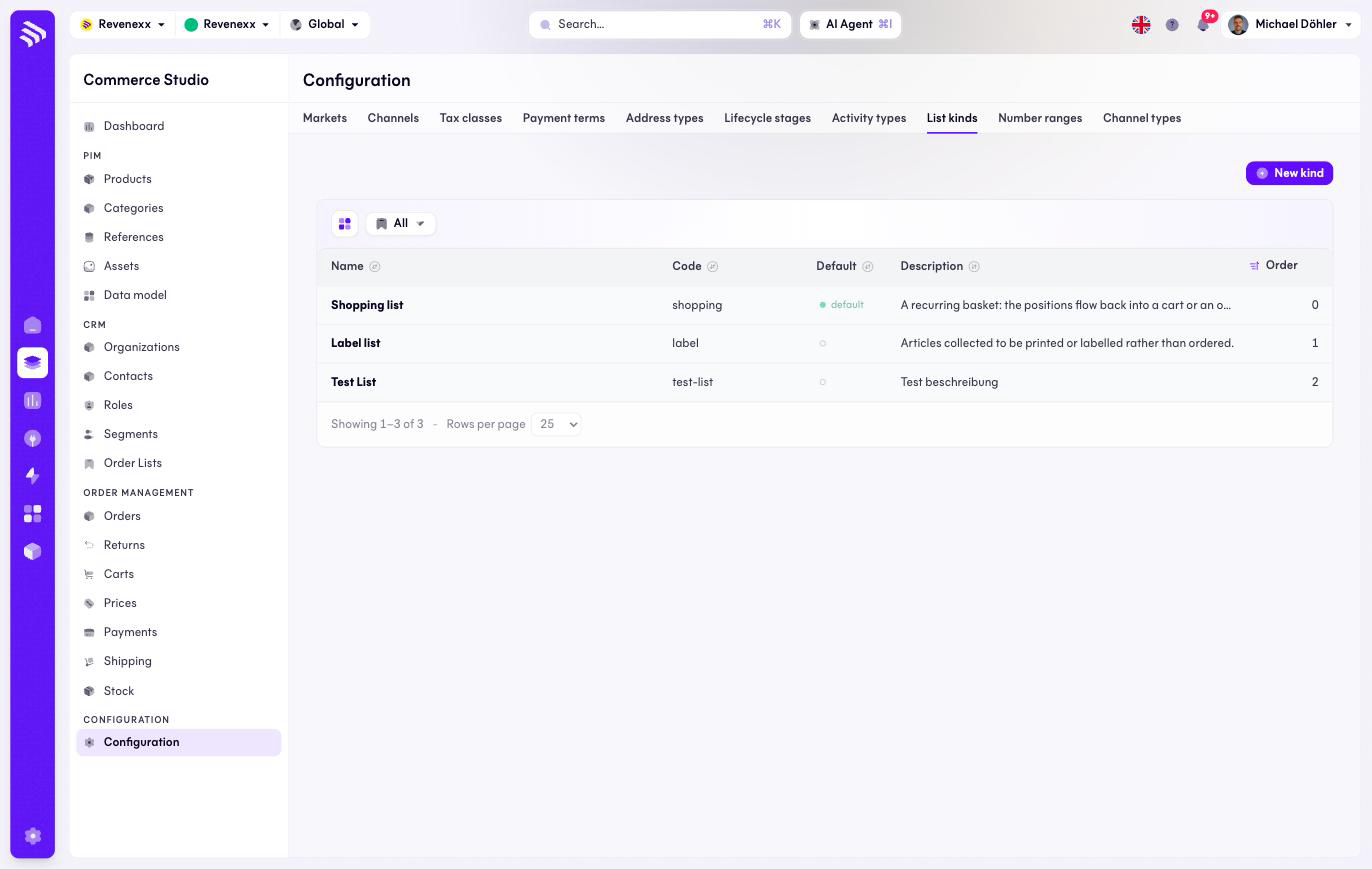
The List kinds tab: the kinds an order list can be — shopping list, label list, or your own.
List kinds classify the order lists your buyers keep. Shopping list and label list ship as the standard pair, and you can add kinds of your own.
Where you find it
Commerce Studio › Configuration › List kinds —
/commerce/configuration?tab=kinds.
What it does
One row per kind, with a default marker for the kind new lists get. New kind adds one.
Fields and controls
| Column | What it shows |
|---|---|
| Name | The kind's name, for example Shopping list. |
| Code | The stable identifier, for example shopping. |
| Default | The kind new lists start as. |
| Description | What the kind is for. |
| Order | The sort position — despite the label, this column is not about orders. |
What happens when you change it
A new kind becomes selectable when a list is created or edited. The default decides what an unspecified list becomes.
Permissions
The orderlists app declares create, read, update and delete on list kinds in its manifest. Which Cockpit roles may open this screen is not verified.
Related
- Order lists
- Guide: Order lists