Forms
Forms collect what the shop cannot sell directly — a contact request, a callback, an RMA. You build the form in the Cockpit, a storefront page renders it, and every submission lands here as a request.
Where you find it
Experience Studio › Build › Forms — /experience/forms. Two tabs:
Form Requests (the inbox, the default) and Forms (the definitions).
The Forms tab
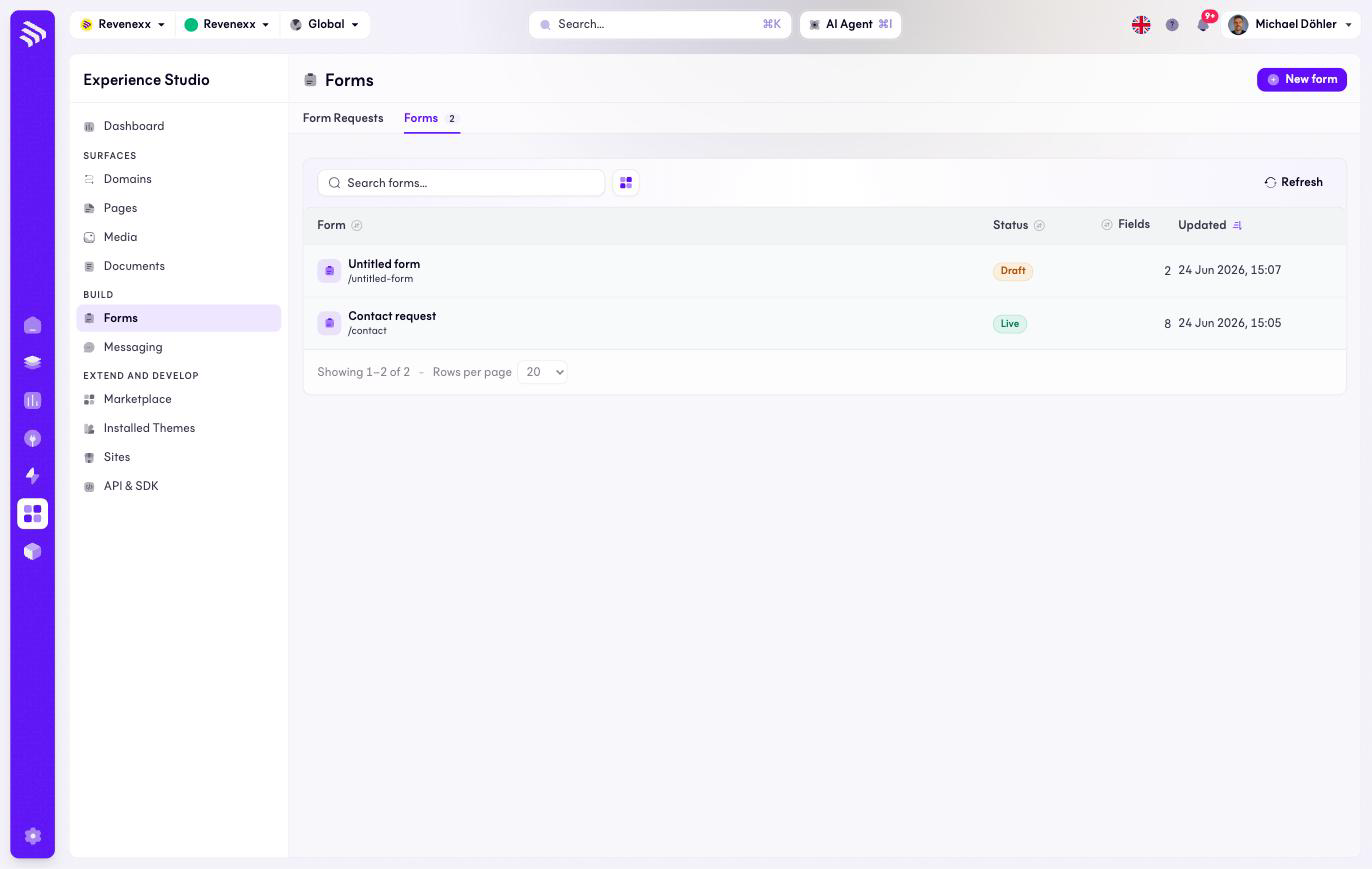
| Column | What it shows |
|---|---|
| Form | Name plus the slug the storefront fetches it by, for example /contact. |
| Status | Draft or Live. Only a live form can be rendered and submitted. |
| Fields | How many fields the form has. |
| Updated | Last change. |
New form creates one; a row opens the form's detail with the builder.
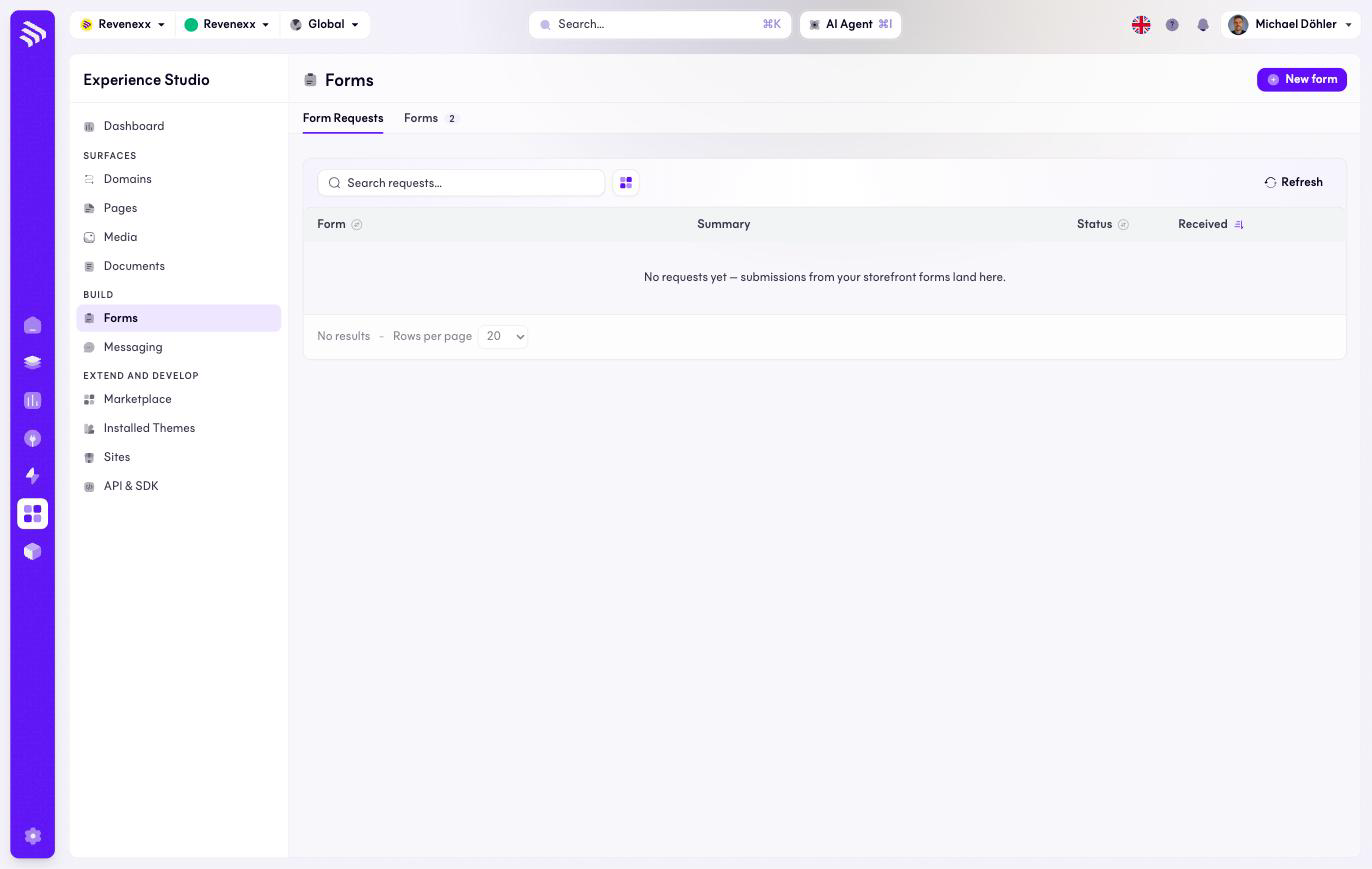
The Form Requests tab
| Column | What it shows |
|---|---|
| Form | Which form the submission came through. |
| Summary | The submitted values, condensed. |
| Status | The inbox state of the request. |
| Received | When it arrived. |
What happens when you change it
Setting a form Live is what makes it renderable in the storefront — a
draft form on a published page shows nothing to submit. Every received
submission also emits a form.submitted event onto the tenant event bus, so
an Integration Studio workflow
can forward a contact request to the CRM or notify the Innendienst without
glue code. The event is listed in the
Event Catalog.
Permissions
The forms app's manifest declares create, read, update and delete on forms and submissions. Which Cockpit roles may open this screen is not verified.
Related
- Guide: Forms and email
- Event Catalog