Overview
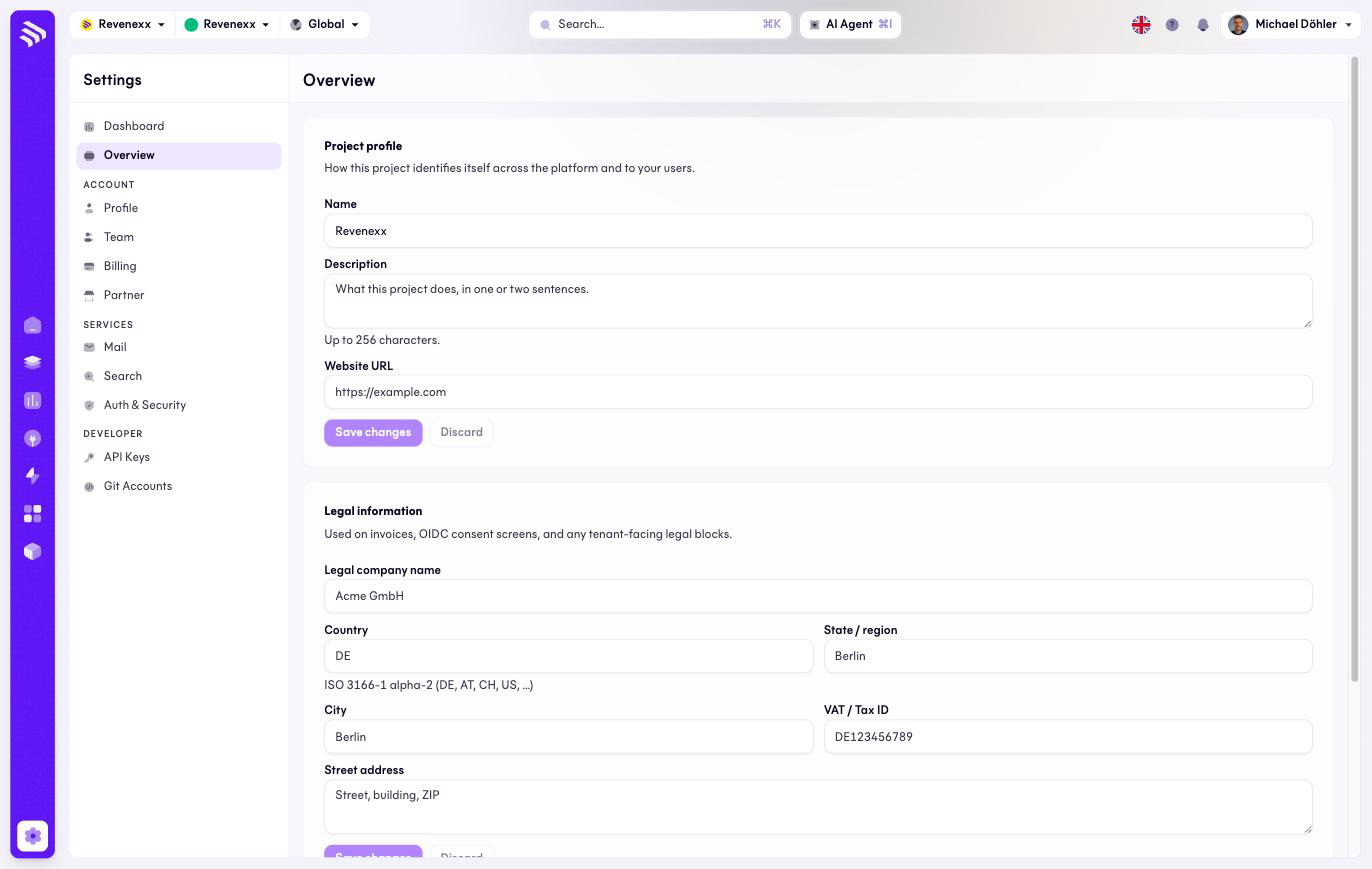
The Overview holds two forms that get filled once and matter for a long time: what your project is called, and the legal identity behind it.
Where you find it
Settings › Overview — /settings, the first entry in the sidebar.
What it does
The project profile names your tenant: name, a description of up to 256 characters, and a website URL.
The legal details identify your company: legal company name, country (ISO 3166-1), state or region, city, VAT ID or tax number, and the address. These are not decoration — they appear on invoices, on the consent pages your customers see when they sign in, and in legal notices. As long as they are blank, the Settings dashboard flags them under Needs attention, and it is right to: an invoice without a legal entity is a problem for your accounting, not ours.
Fields and controls
| Field | What it is |
|---|---|
| Name | Your project's display name. |
| Description | Free text, up to 256 characters. |
| Website URL | Your company site. |
| Legal company name | The registered entity, e.g. Muster Werkzeuge GmbH. |
| Country | ISO 3166-1 country. |
| State / region, City | Location of the entity. |
| VAT ID / tax number | E.g. a DE… USt-IdNr. |
| Address | The registered address. |
| Save changes / Discard | Save is disabled until something changed. |
What happens when you change it
Saved legal details flow into the documents that use them — invoices, consent pages, legal notices. There is no separate publish step.
Permissions
Which Cockpit roles may edit the project profile and legal details is not verified.