Git accounts
Git accounts connect your GitHub organisations to the platform. They are the plumbing behind every "deploy from repository" flow in the Cockpit.
Where you find it
Settings › Developer › Git accounts — /settings/git.
What it does
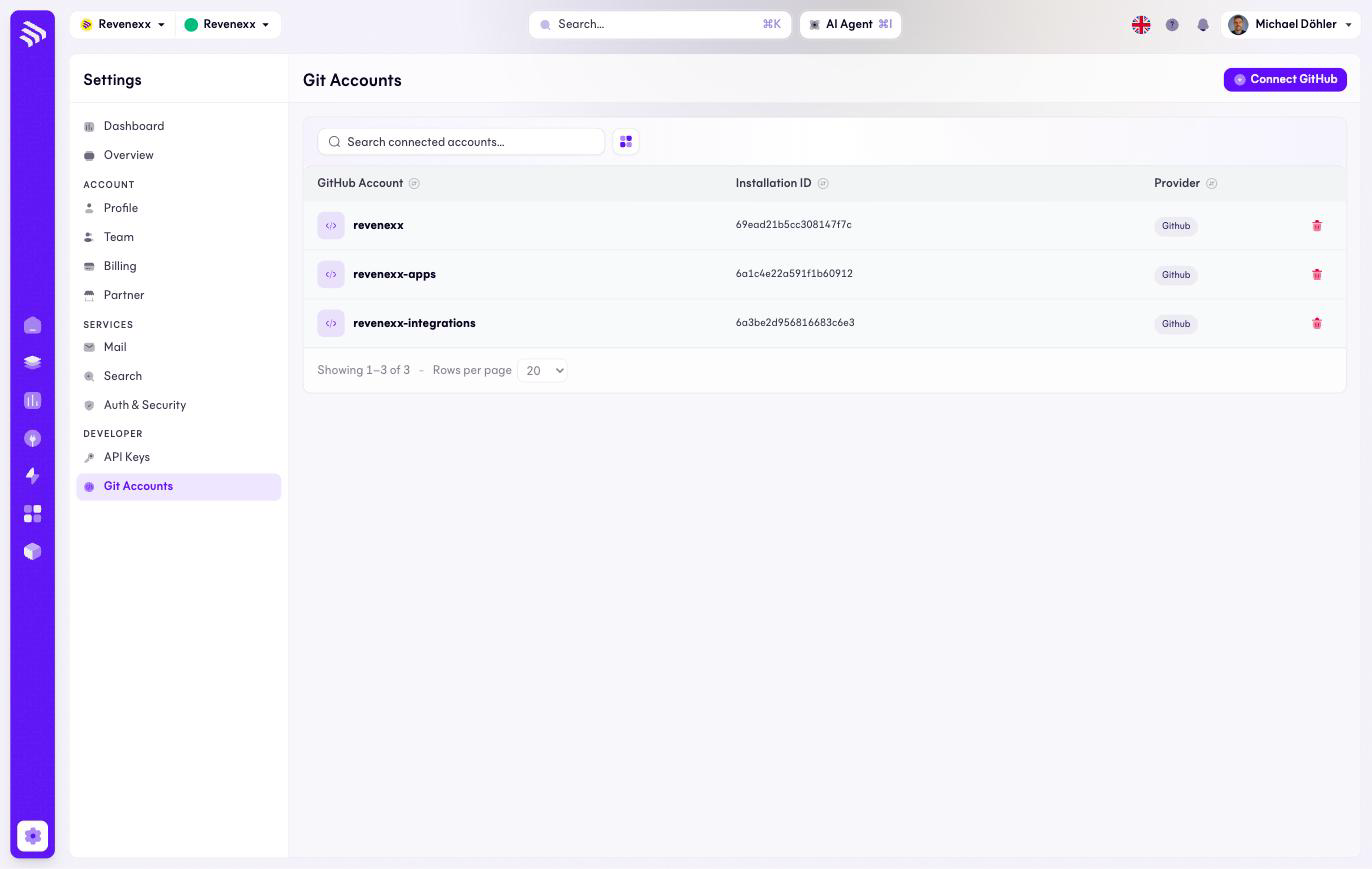
One row per connected GitHub installation, with its account name, installation ID and provider. Connect GitHub adds one. These connections are what the Git flows elsewhere in the Cockpit draw on: sites in Experience Studio, your own apps in App Studio › My apps, and integrations in Integration Studio.
Fields and controls
| Column / control | What it shows or does |
|---|---|
| GitHub account | The connected organisation or account. |
| Installation ID | The GitHub App installation. |
| Provider | The Git provider, currently GitHub. |
| Delete icon | Removes the connection. |
| Connect GitHub | Starts the GitHub App installation flow. |
| Search | Filters the connected accounts. |
What happens when you change it
Removing a connection takes the repositories behind it away from every flow that used them — a site or app deploying from that account loses its source. Check what deploys from a connection before deleting it.
Permissions
Connecting an account requires rights on the GitHub side too: installing the GitHub App on the organisation. Which Cockpit roles may manage connections here is not verified.
Related
- My apps — app development from a connected repository.
- Guide: Create a storefront