Markets
A market is a business context you sell in — a country, a region, a segment. Every market carries its own currency, locales and tax classes, and most screens in Commerce Studio can be scoped to one.
Where you find it
Commerce Studio › Configuration › Markets —
/commerce/configuration?tab=markets, the default tab.
What it does
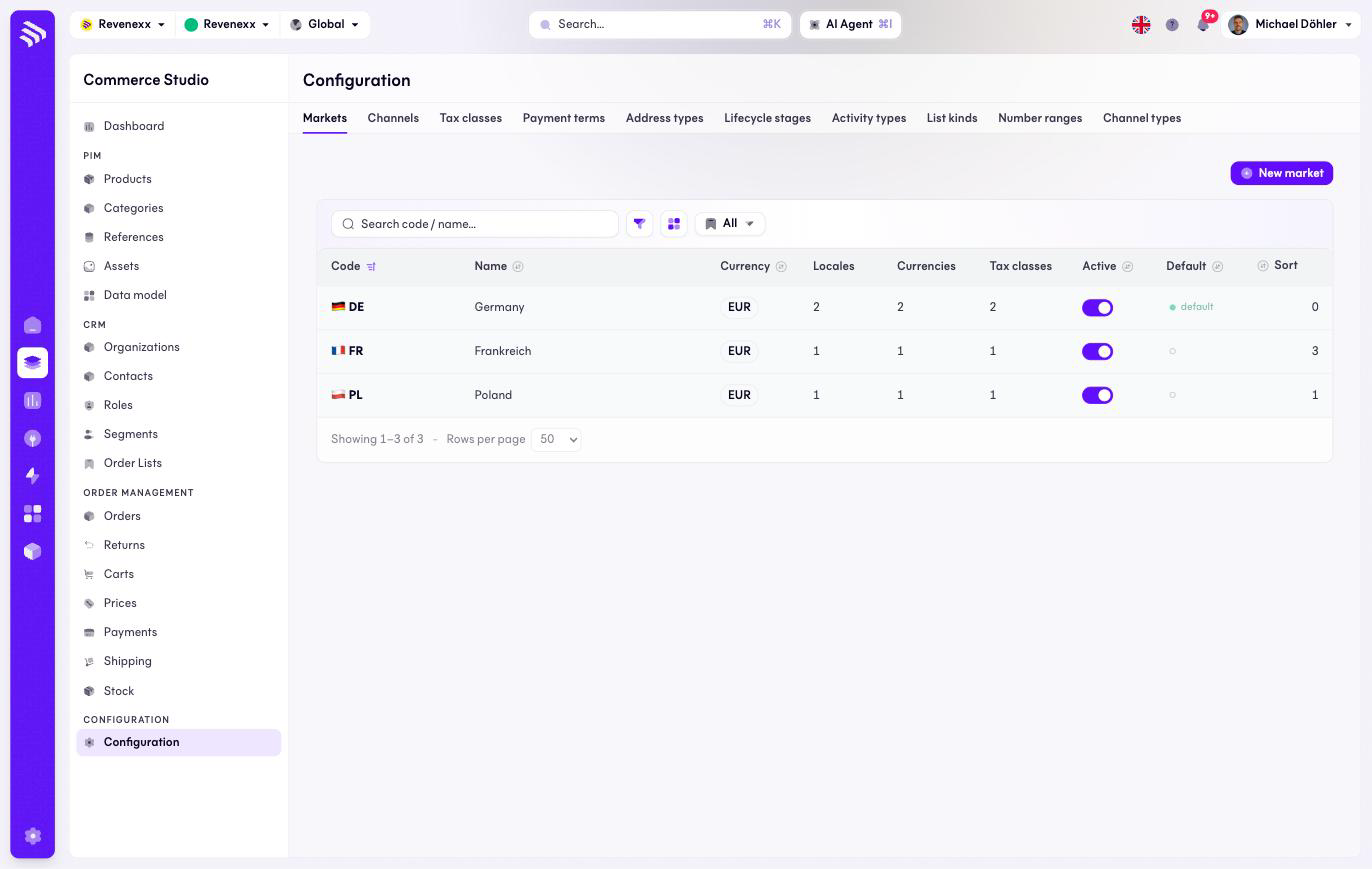
One row per market with its counts of locales, currencies and tax classes, an active toggle and a default marker. This tab has no market-scope selector — the markets are the scope.
Fields and controls
| Column | What it shows |
|---|---|
| Code | The market code with its flag, for example DE. |
| Name | The display name. |
| Currency | The market's currency. |
| Locales / Currencies / Tax classes | How many of each the market carries. |
| Active | The on/off switch, editable in the row. |
| Default | The tenant's default market. |
| Sort | Display order. |
Action: New market.
What happens when you change it
Deactivating a market takes its context out of play. The default market is where anything lands that names no market. Locales, currencies and tax classes belong to their market — a second country is a second market with its own set.
Permissions
The markets app declares create, read, update and delete on markets, locales, currencies and tax classes in its manifest. Which Cockpit roles may open this screen is not verified.
Related
- Tax classes
- Guide: Go multi-country
- Guide: Currencies and tax