Stock
Locations
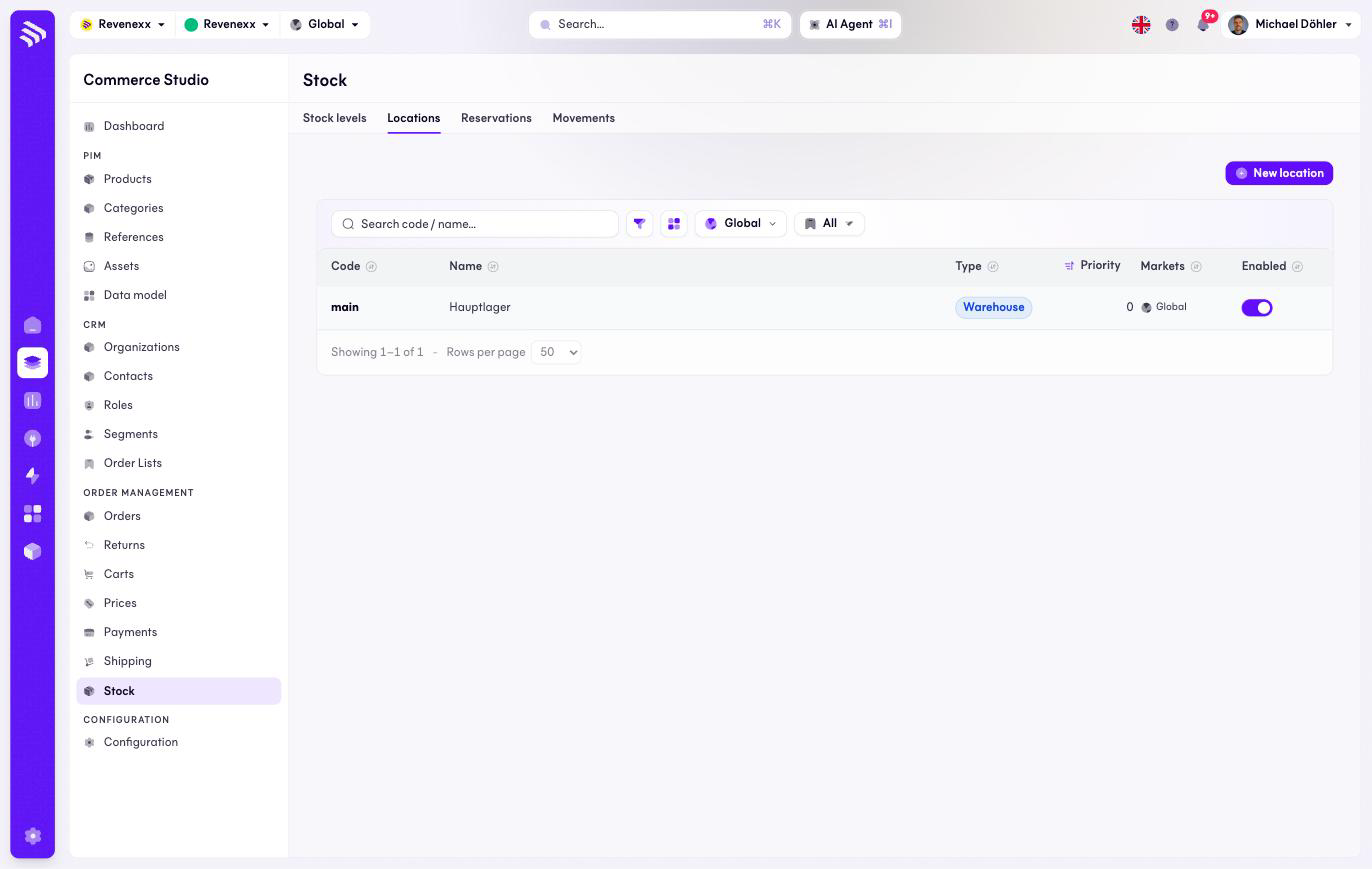
The Locations tab: warehouses and stores, with the priority that decides sourcing order.
Locations are the places stock sits: warehouses, stores, dropship, virtual. The priority decides which location a reservation is sourced from first.
Where you find it
Commerce Studio › Order Management › Stock › Locations —
/commerce/inventories?tab=locations.
What it does
One row per location, with type, priority and an enabled switch. A single main warehouse is a normal setup; a second location becomes a second column in the stock grid.
Fields and controls
| Column | What it shows |
|---|---|
| Code | The stable identifier, for example main. |
| Name | The display name, for example Hauptlager. |
| Type | Warehouse, store, dropship or virtual. |
| Priority | Lower sources first. |
| Markets | Market assignment. |
| Enabled | The on/off switch, editable in the row. |
Actions: New location, and the per-row enabled toggle.
What happens when you change it
A disabled location drops out of availability sums and sourcing. Changing the priority reorders where the next reservation pulls from.
Permissions
The inventories app declares create, read, update and delete on locations in its manifest. Which Cockpit roles may open this screen is not verified.
Related
- Stock
- Guide: Stock and locations