Data model
Asset families
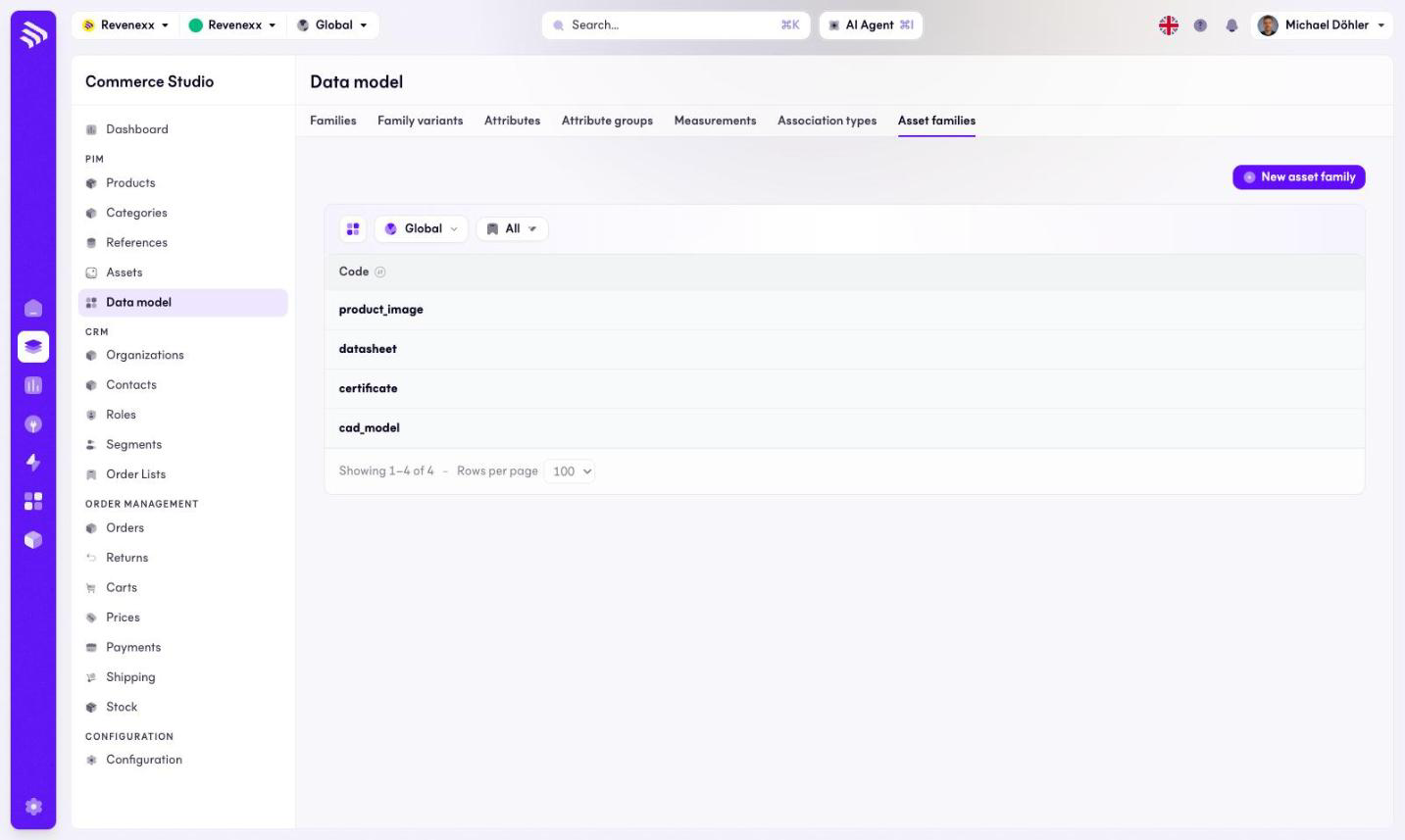
The Asset families tab: the kinds of media files the asset library sorts by.
An asset family is a kind of media file: product image, datasheet, certificate, CAD model. The asset library filters by these families.
Where you find it
Commerce Studio › PIM › Data model › Asset families —
/commerce/data-model?tab=asset-families.
What it does
The tab lists the asset families. New asset family creates one. The list shows one column — the code; the display labels you see in the asset library's family filter are not part of this tab. There is no search box.
The rows are not clickable yet: opening or editing an asset family is not
available in the Cockpit at the moment. Asset families are maintained through
the products app's API.
Fields and controls
| Column | What it shows |
|---|---|
| Code | The stable identifier, for example product_image or cad_model. |
What happens when you change it
A new asset family becomes available when cataloguing a file in the asset library and appears as a filter there.
Permissions
The products app declares create, read, update and delete on asset families in its manifest. Which Cockpit roles may open this screen is not verified.