Association types
An association type names a kind of product-to-product link: cross-sell, up-sell, accessory, spare part. The products themselves are linked on the product editor's Associations tab; this list defines what kinds of link exist.
Where you find it
Commerce Studio › PIM › Data model › Association types —
/commerce/data-model?tab=association-types.
What it does
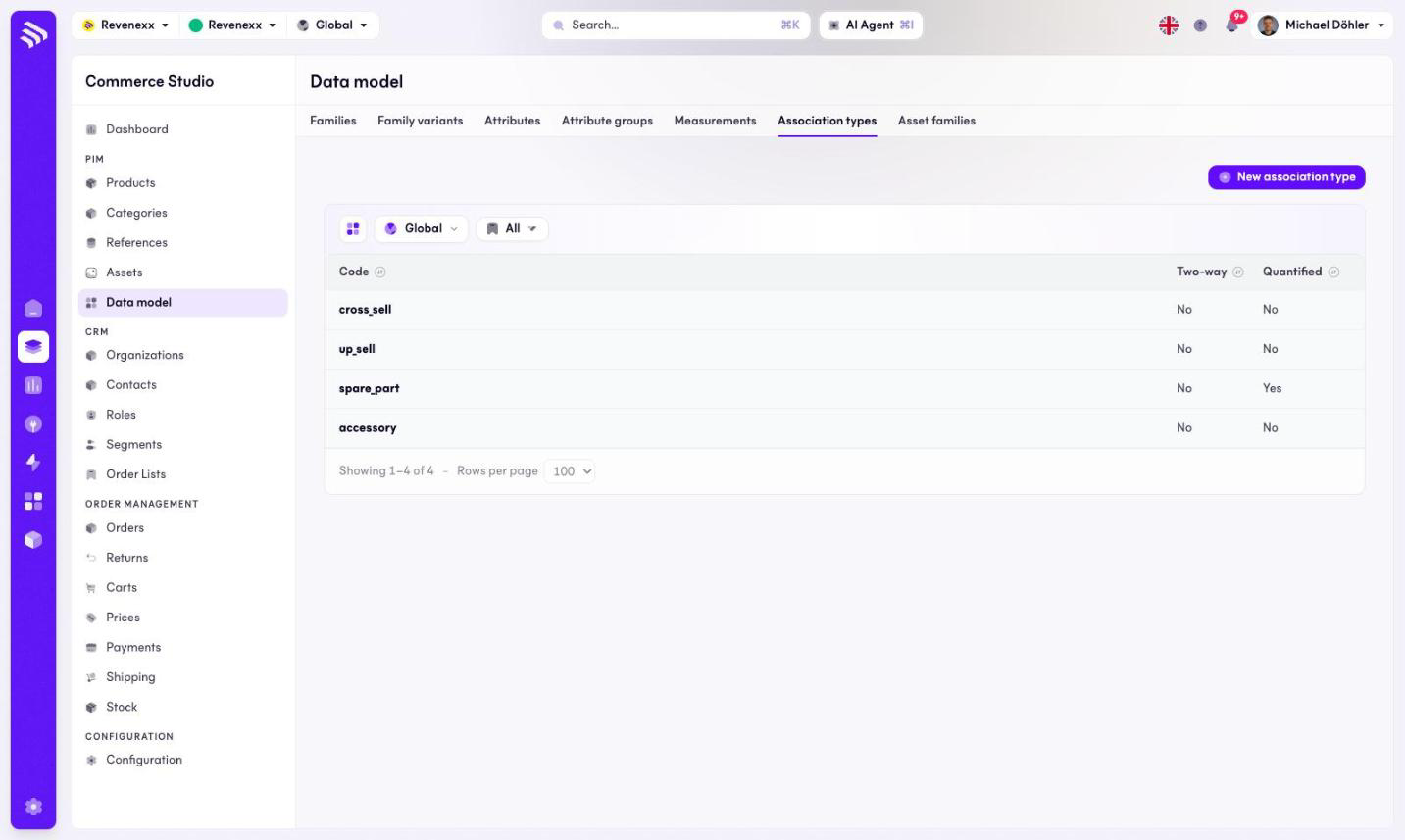
The tab lists the types with two flags each. Two-way means the link shows on both products; Quantified means the link carries a quantity — a spare part association can say the machine uses four of them. New association type creates one. This tab has no search box.
Fields and controls
| Column | What it shows |
|---|---|
| Code | The stable identifier, for example cross_sell or spare_part. |
| Two-way | Whether the link appears on both ends. |
| Quantified | Whether the link carries a quantity. |
What happens when you change it
A new type becomes selectable on the product editor's Associations tab. Existing links keep their type.
Permissions
The products app declares create, read, update and delete on association types and product associations in its manifest. Which Cockpit roles may open this screen is not verified.