Data model
One tabbed page for the structure of your catalogue: families, attributes, groups, measurements, association types and asset families.
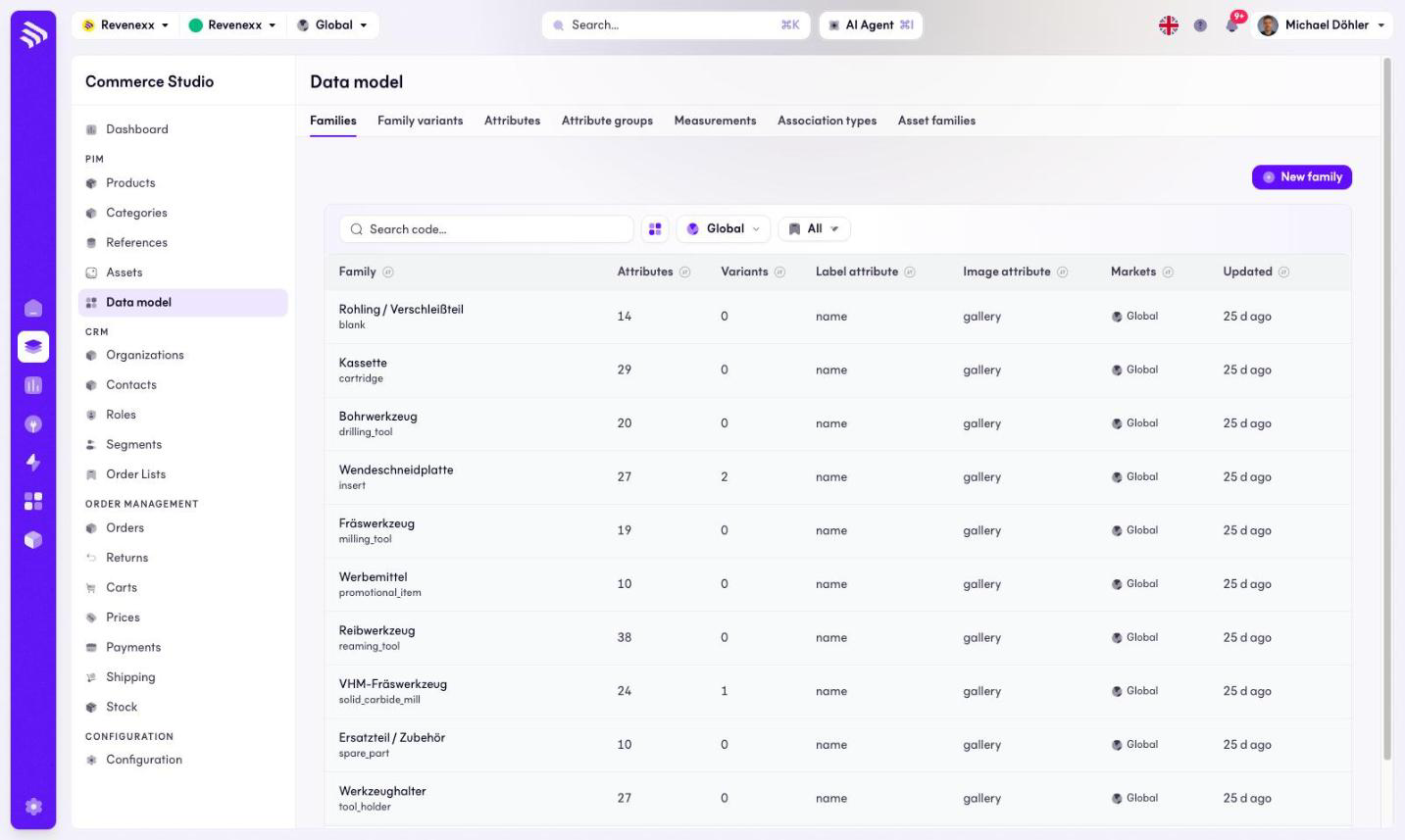
The data model is the structure behind your products: which attributes exist, how they group, which families carry them, and how variants, measurements, associations and asset families are defined. In the Cockpit all of it lives on one page — the sidebar shows a single Data model entry, and the seven views are tabs on it.
Where you find it
Commerce Studio › PIM › Data model — /commerce/data-model. Each tab sets
a ?tab= parameter; the page opens on Families.
Tabs
| Tab | What it lists | Reference |
|---|---|---|
| Families | The product types and their attribute sets | Families |
| Family variants | The variant axes per family | Family variants |
| Attributes | Every attribute of the model | Attributes |
| Attribute groups | The sections of the product editor | Attribute groups |
| Measurements | Measurement families and their units | Measurements |
| Association types | The kinds of product-to-product links | Association types |
| Asset families | The kinds of media files | Asset families |
Every tab is a list today. Opening or editing a single record is not available
in the Cockpit at the moment; the data model is maintained through the
products app's API.
Related
- Guide: The data model
- Guide: Plan your model