Service levels
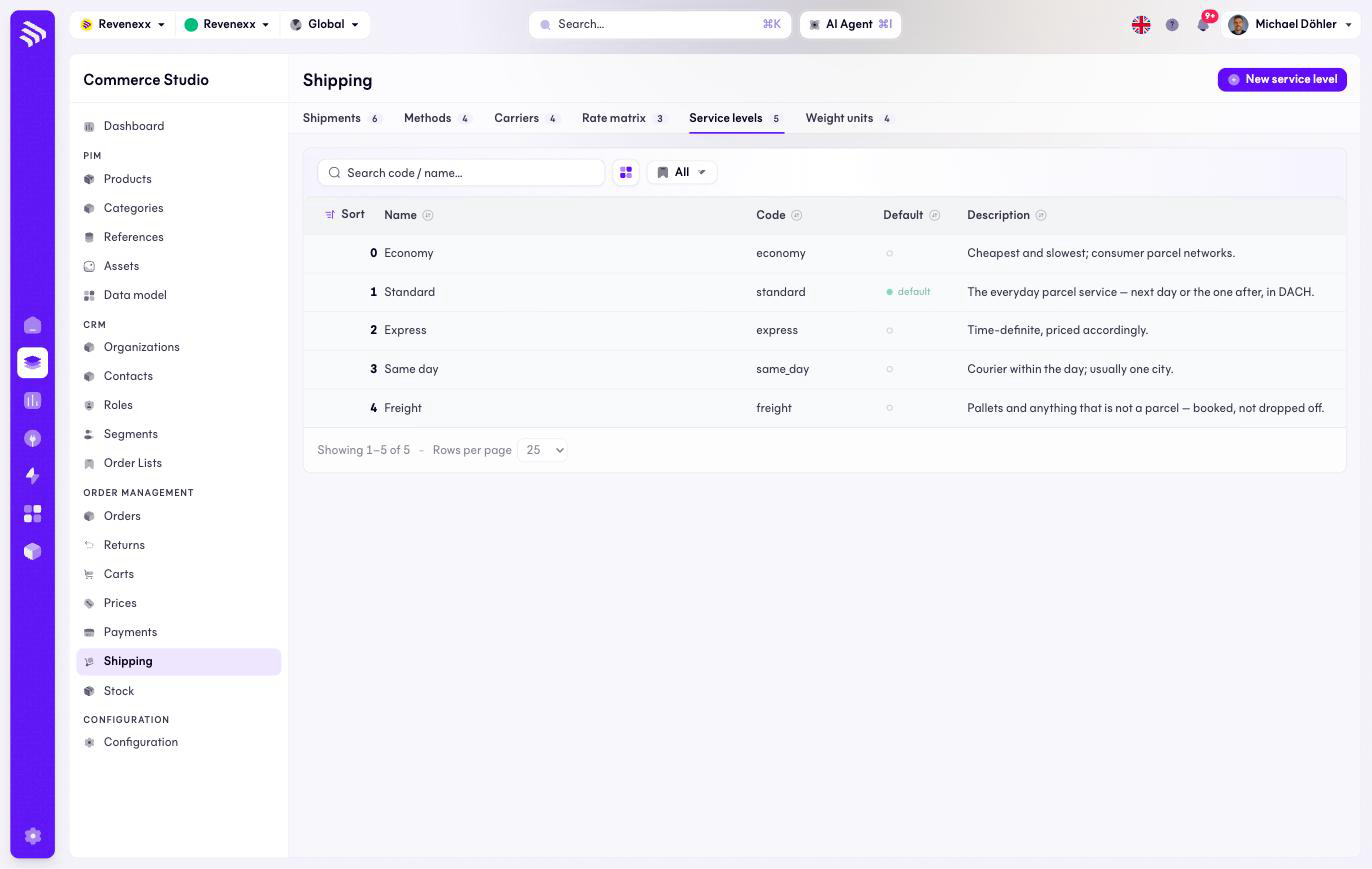
Service levels are the delivery classes your carriers are sorted into. The set is your own: the platform seeds Economy, Standard, Express, Same day and Freight, and you rename or extend it to match your contracts.
Where you find it
Commerce Studio › Order Management › Shipping › Service levels —
/commerce/shipping/service-levels.
What it does
One row per level, with a default marker for the level new carriers get. This tab has no market scope selector — the set applies tenant-wide.
Fields and controls
| Column | What it shows |
|---|---|
| Sort | Display order. |
| Name | The level's name. |
| Code | The stable identifier, for example express. |
| Default | The level new carriers start with. |
| Description | What the level means. |
Action: New service level.
What happens when you change it
A carrier names its service level by code; renaming a level changes what every carrier on it displays. The default only affects carriers created afterwards.
Permissions
The shipping app declares create, read, update and delete on shipping service levels in its manifest. Which Cockpit roles may open this screen is not verified.